Describe the changed line explicitly
Identify the earlier quotation by date or reference and name the model you want to change. A message such as make this silver becomes ambiguous when several products appear in one conversation. Include the product link and the specific field being revised.
For example, moving from the 13-head 100 cm model to the 17-head 100 cm model is not simply a quantity adjustment. They remain different products despite sharing a height. State whether the new line replaces an earlier model or adds another item.
Request a fresh check against the revised brief
A change in finish, dimensions or quantity may affect the earlier quotation. Ask for the revised request to be reviewed for feasibility, price and timing. Do not assume that an approval for one specification automatically applies to a different version of the order.
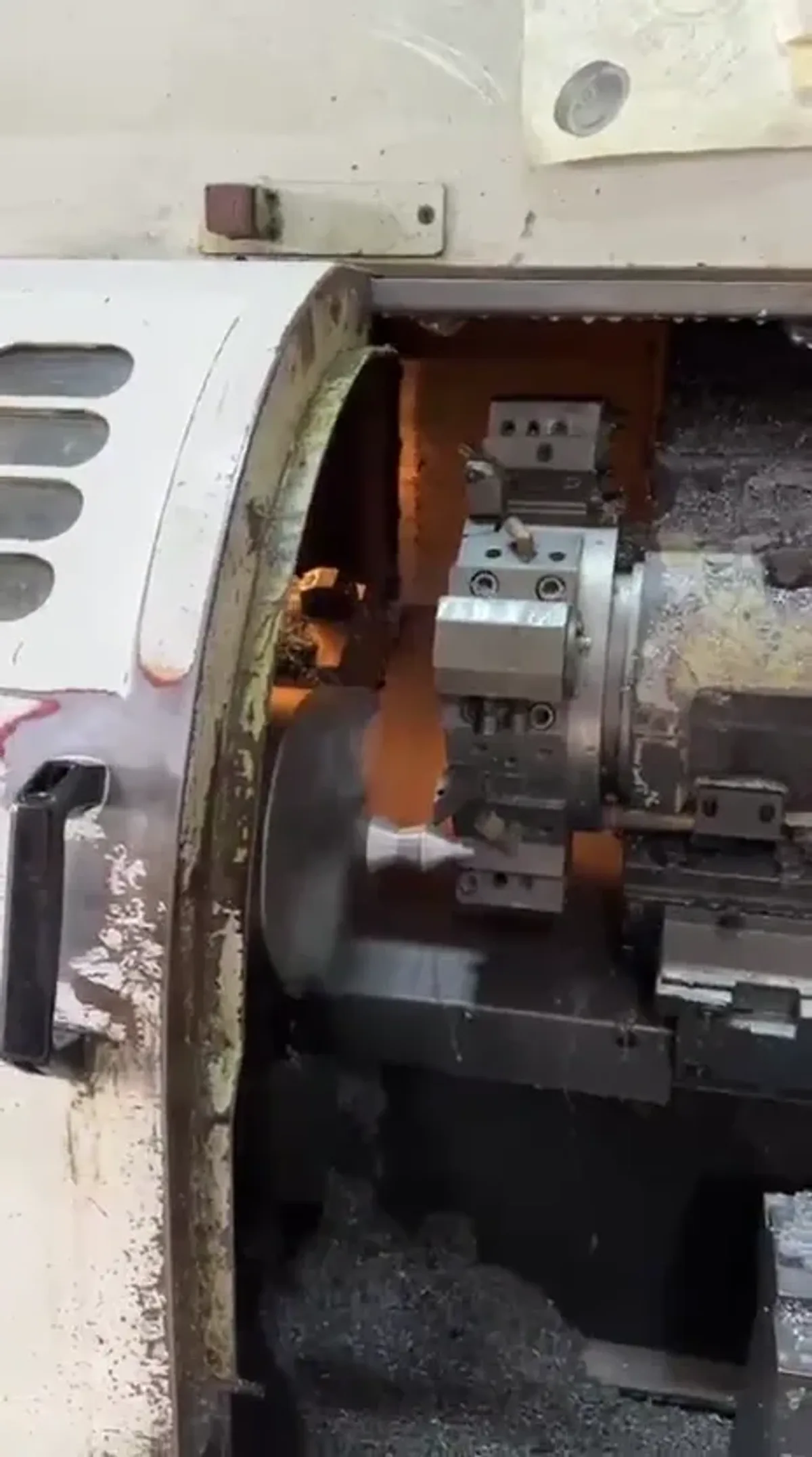
Workshop imagery shows the manufacturing stages that components pass through; it does not show the current status of your individual order. Ask about the actual order reference when checking its progress or whether a requested change can still be accommodated.
Check one final list together
Keep the product name, link or photograph, size, finish and quantity on every current line. Update the destination and required date if either changes. When removing a model, state that the previous line is cancelled instead of silently dropping it from the list.
Sending a final list for checking is not confirmation that every change has been accepted. Wait for the team to confirm the updated terms and retain the reply under the same reference. This avoids reconstructing an inaccurate order from screenshots taken at different times.